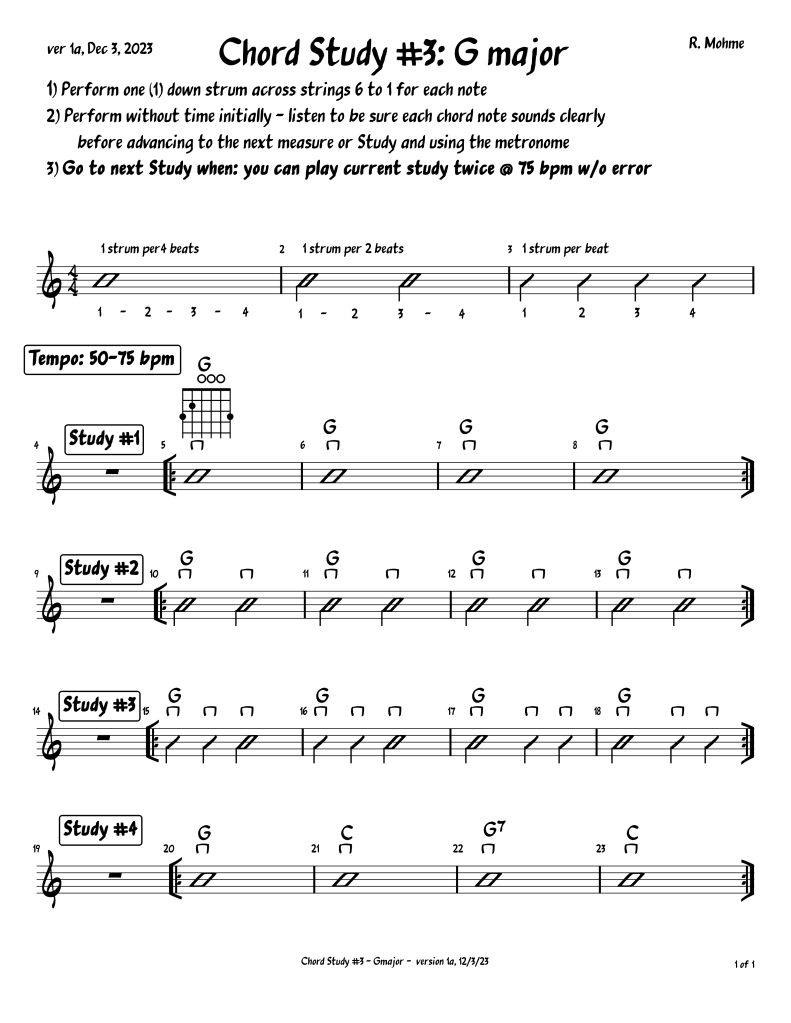
To download image, click on the image and then click on download button.
To play, click on Play Study button. This takes you to YouTube and the study will be ready for you to play. To change the tempo (speed) of the YouTube video, click on the gear icon at the bottom of the video (lower right) and select Playback Speed. You can either change to a slower speed or faster
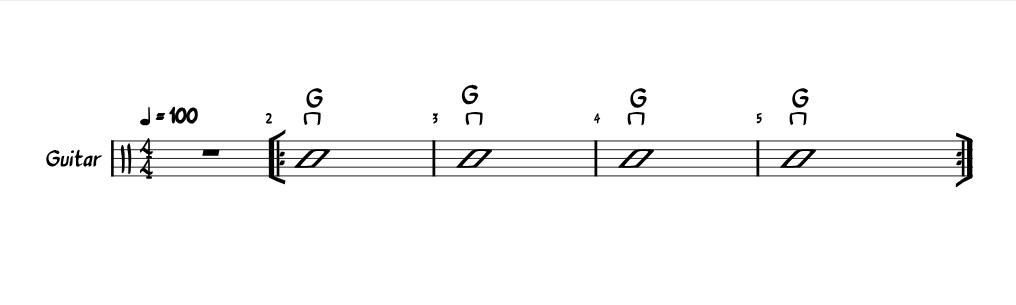
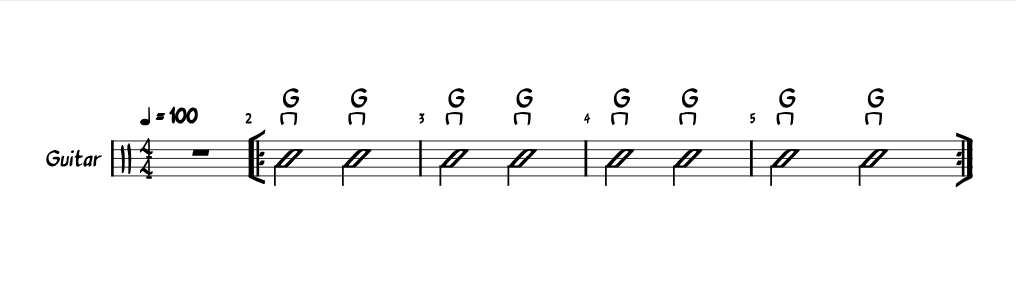

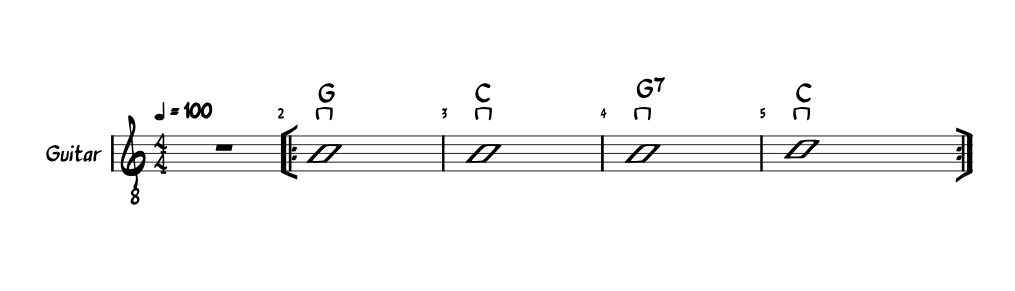
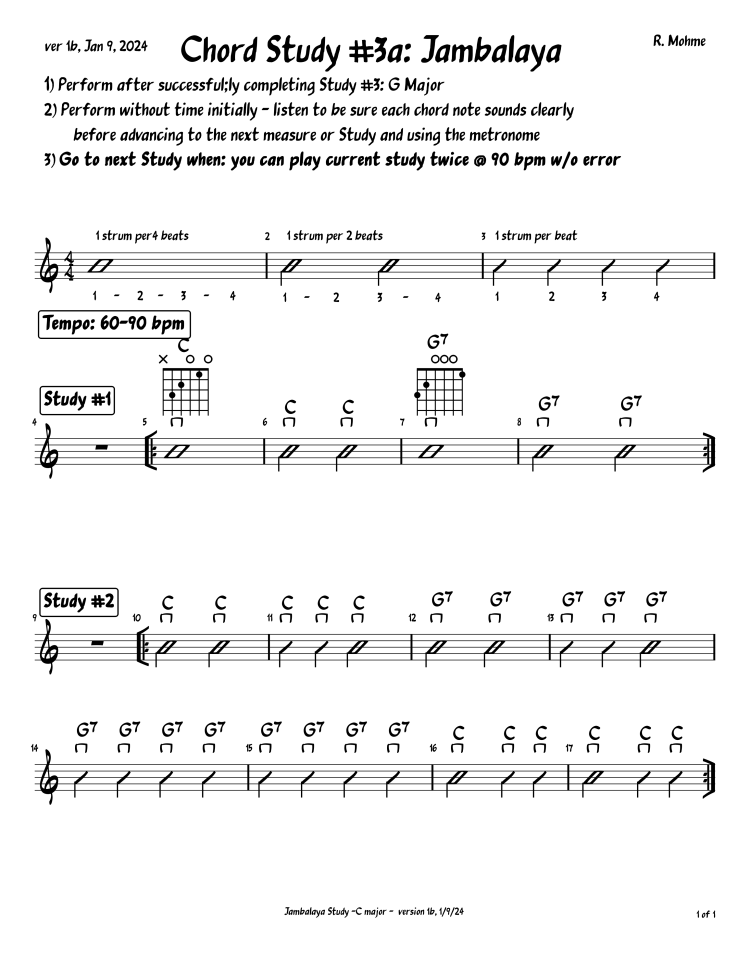
Click on the chord study above and that will take you to Jambalaya on YouTube. Practice strumming the chords with the song. Use the Setting gear at the bottom of the YouTube video to slow or advance the playback speed. (Ignore the commercials.)
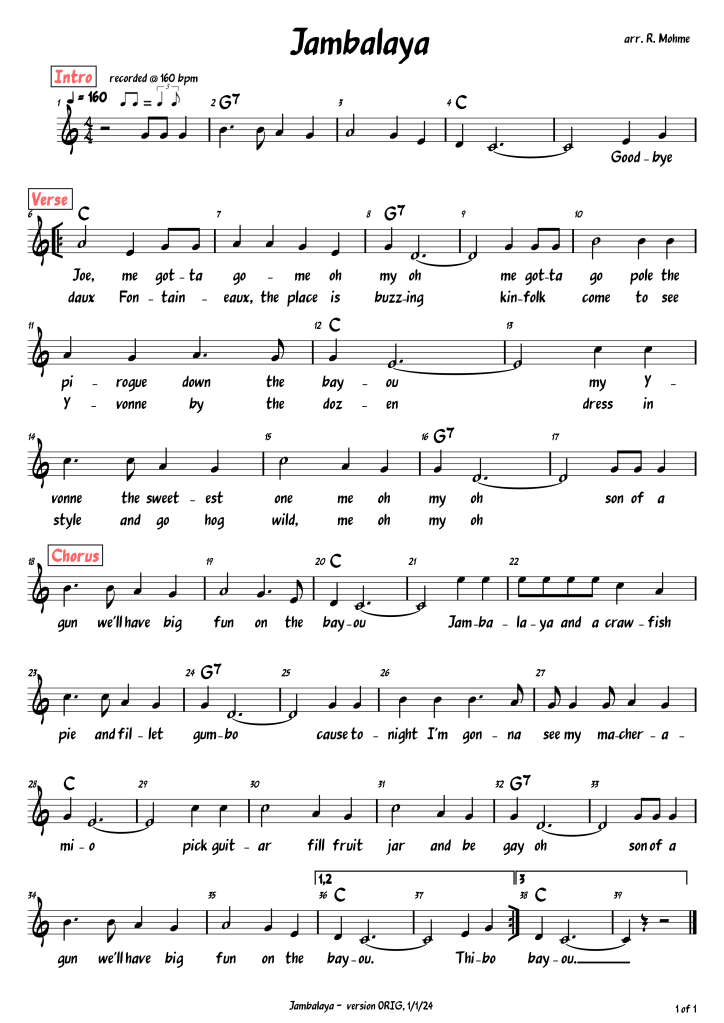
 Lincoln Hills Guitar Ensemble